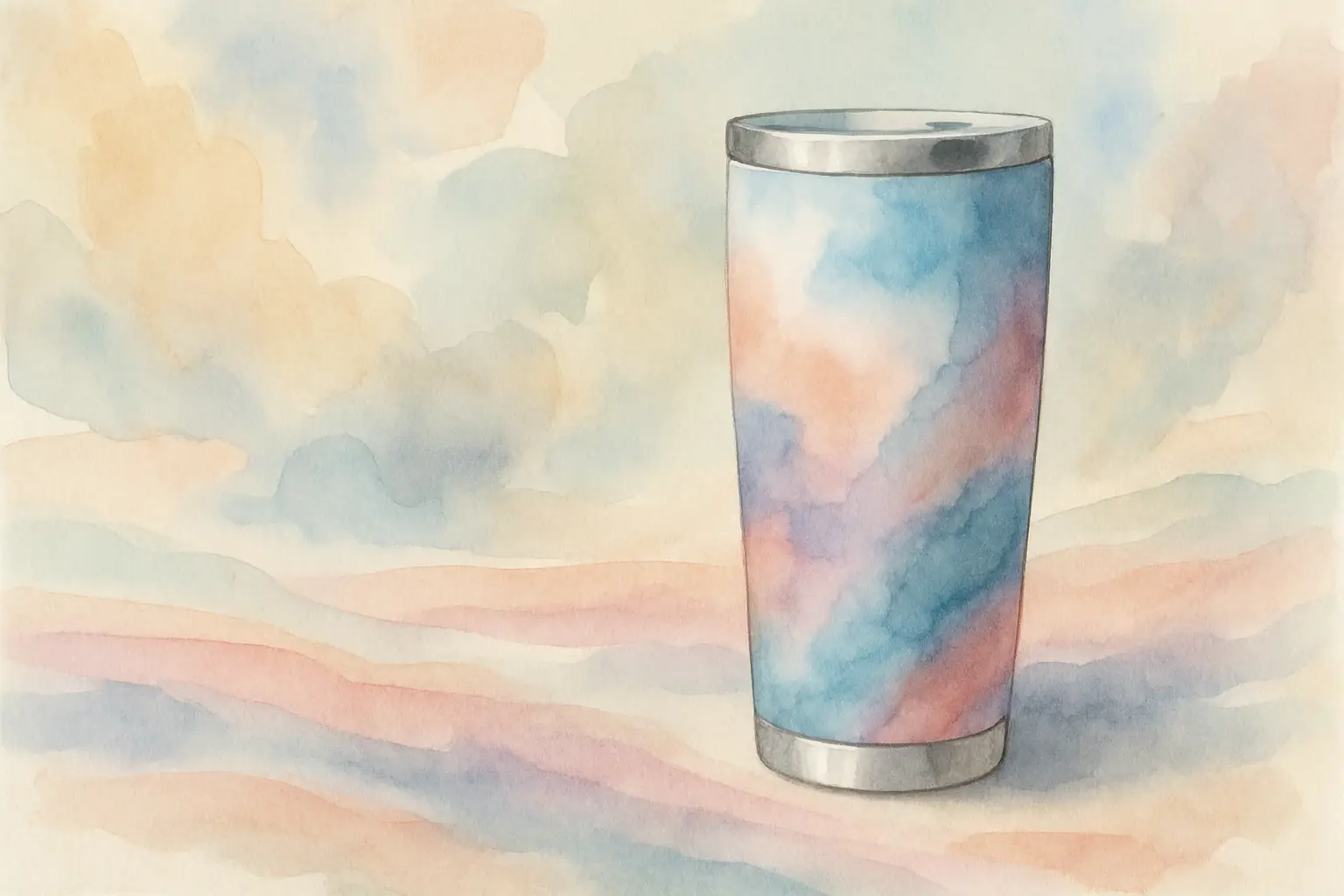
Tumbler Wrap PNG Downloads That Print Right
You can tell within five minutes of unboxing a finished tumbler whether the wrap file was right or whether it was a ‘make it work’ job. A clean seam, sharp text, and colours that look intentional don’t happen by luck – they come from starting with a tumbler wrap PNG that’s built to print, wrap, and press.
If you’re searching for a tumbler wrap png download, you’re probably in one of two modes. Either you want a quick, ready-to-press design so you can make something today (without spending your evening nudging layers around), or you’re building products to sell and you need consistency – the same fit, the same quality, the same “this looks professional” finish every time.
What a tumbler wrap PNG actually needs to do
A tumbler wrap isn’t just a pretty picture. It’s a template-like print file designed to cover a specific surface area, align at the seam, and still look correct once it’s wrapped around a curved object.
That means the file has to balance three things at once: the correct physical dimensions for your tumbler size, enough resolution to stay crisp after heat and pressure, and a layout that forgives real-world wrapping (because hands, tape, and shrink wrap aren’t laser-precise).
Some designs look great on-screen but fall apart in production. Tiny script fonts can blur. Dark backgrounds can show seam lines more harshly. High-detail patterns can misalign and make the join obvious. None of that means you can’t use those styles – it just means you’ll want the file to be intentionally prepared for sublimation and wrapping.
PNG vs SVG vs JPG – why PNG wins for sublimation wraps
For sublimation wraps, PNG is the practical sweet spot. A good PNG maintains sharp edges, handles transparency when needed, and imports cleanly into the software most makers already use (including Cricut Design Space, Silhouette Studio, Canva, and most print programs).
SVG is brilliant for cut files and vector artwork you need to scale indefinitely, but many wrap designs rely on raster textures, painterly effects, or photo-style elements – and those live best as PNG.
JPG can work, but it’s compressed. Compression is where you get those faint blocky artefacts in gradients or around text edges – and once you press, any softness becomes more noticeable. If you’re selling finished tumblers, that’s the difference between “handmade and polished” and “handmade but a bit fuzzy”.
Sizing: the part everyone wants to skip (but shouldn’t)
Most wrap headaches come from using the wrong size. When a wrap is even slightly off, you’ll see it in stretched artwork, a mismatched seam, or a design that lands too high and crowds the lip.
Common wrap sizes you’ll see (and why they vary)
You’ll often see tumbler wraps sold as 20oz skinny, 20oz standard, 30oz, 40oz, plus speciality shapes like 16oz glass cans and 11oz mugs. Those labels are helpful, but the reality is that manufacturers vary.
Two tumblers can both be called “20oz skinny” and still have slightly different heights or circumferences. That’s why the best approach is to treat listed sizing as your starting point, then do one quick measurement check.
Measure once, save yourself reprints
If you’ve got the blank in hand, measure the printable height and the circumference where the wrap will sit. Then compare those numbers with the file dimensions before you print.
If your file is a touch bigger, that’s usually okay – you can trim height and allow a small overlap at the seam. If it’s smaller, you risk gaps or a stretched look when you try to make it reach.
Bleed and seam allowance: the quiet hero of a clean wrap
A professional wrap file often includes a little extra background beyond the main design (bleed). Bleed gives you room to trim and still keep full coverage.
For seam allowance, it helps when the design has a forgiving edge. Full-bleed patterns, soft gradients, or backgrounds without a hard vertical border will hide tiny misalignments better than a frame-style design with a crisp line that must meet perfectly.
Resolution and quality checks before you press
If you want crisp results, look at the file like a producer, not a shopper. Pretty is great, but production-ready is better.
DPI, pixels, and why “300 DPI” isn’t the whole story
You’ll see “300 DPI” mentioned a lot, but DPI is only meaningful when paired with actual pixel dimensions. A tumbler wrap needs enough pixels to print at full size without scaling up.
As a rule of thumb, if you’re printing a wrap that’s roughly 9 inches wide by 8 inches tall (varies by size), you want a file that comfortably supports that at print size. If you have to enlarge the file significantly in your software, you’ll soften the image and risk pixelation.
Do a quick zoom test
Open the PNG and zoom in to 100%. Check the edges of text, fine lines, and any watercolour or textured elements. If everything looks crisp at 100%, you’re in a good place. If it already looks blurry on-screen, it won’t magically sharpen after pressing.
Colour expectations: what you see isn’t always what you press
Sublimation is its own little universe. Your monitor is backlit; your print is dye on paper that becomes dye in polyester coating. Expect small shifts, especially with neon-like colours, very dark blacks, and skin tones.
If you’re making products to sell, it’s worth pressing a small set of ‘benchmark’ designs (a dark wrap, a pastel wrap, a high-saturation wrap) so you know how your printer, ink, paper, and blanks behave together.
A calm, repeatable workflow for downloading and using wraps
The fastest makers aren’t rushing – they’ve made the steps predictable.
After your tumbler wrap png download, save the file in a folder structure that matches how you work: by size, by theme, or by season. When you’re juggling family life and order deadlines, good organisation is more valuable than another hour of “I’ll remember where I put it”.
Next, open the file in your chosen software and set your canvas or artboard to the wrap size. Import the PNG at 100% and only adjust if your blank measurements demand it. If you do resize, keep the aspect ratio locked so you don’t distort the artwork.
Print a test on plain paper first when you’re using a new blank style. Wrap it dry around the tumbler and check height and seam behaviour. This one step saves ink, paper, and frustration – especially with full-coverage designs.
If you’re building consistent listings for Etsy or Shopify, having a ready-sized library makes this workflow even smoother. Instead of resizing every new design, you can work from wraps already formatted for popular blanks like 20oz skinny, 40oz, and 16oz glass cans.
If you prefer to batch-create and stay organised, curated wrap collections and access passes can save hours over the course of a month — especially when you’re balancing orders around school runs and real life.
Commercial use and PLR: know what you’re allowed to sell
This is where a lot of well-meaning creators get caught out. A wrap file can be “commercial use” for physical products, or it can include PLR (private label rights) that allows broader reuse and resale as a digital product – but those are not the same thing.
If your goal is to sell finished tumblers, you typically want a licence that permits physical end products.
For sellers planning to scale beyond a few listings, it can be simpler to build your design library from ]commercial-use-ready collections](https://shop.thatdigitalmum.com/collections/occupation-hobby-20oz-tumbler-wraps) from the start. That way, every wrap you download is already cleared for physical products, and you’re not double-checking licences each time you list.
If your goal is to build a digital shop and resell or repurpose the designs, you need explicit PLR terms (and you’ll want to read the boundaries, because reputable PLR always has clear rules).
If you’re new to PLR and want a breakdown of how it works (plus where to source quality products), I’ve shared a full guide to using PLR products here.
It’s also worth being honest about your business model. If you’re experimenting and making gifts, standard personal-use files may be enough. If you’re listing on Etsy or running Shopify, it’s safer to build your library with commercial terms from the start so you’re not rebuilding later.
If you’re looking for ready-sized wraps across popular blanks and you like the idea of building a library without overthinking every purchase, you can browse wraps, clipart, and PLR options at That Digital Mum.
Many sellers choose to start with themed bundles (seasonal, occupation-based, or affirmation styles) so they can create multiple listings quickly without designing from scratch each time.
Choosing designs that press well (not just designs that look nice)
There’s a difference between “this is cute” and “this will press beautifully”. If you want fewer failed prints, choose with production in mind.
Bold graphics and clear contrast tend to hold up better than ultra-fine detail, especially on curved surfaces where the seam can land in an awkward spot. If your design includes text, look for thicker lettering and avoid placing key words right at the edges where the seam overlap happens.
For novelty themes (funny/sassy, occupations, seasonal), pay attention to background style. A full wrap with a consistent pattern is often easier to seam than a centred design that leaves blank space – because any tiny gap shows immediately on a solid background.
Also consider your blank. Matte tumblers can make colours feel slightly softer; glossy tumblers can make them pop but also show any tiny press imperfections more clearly. Neither is “better”, but it’s useful to match wrap style to finish.
When it depends: quick fixes for common wrap issues
Sometimes the file is fine and the problem is the set-up.
If you’re seeing a faint line at the seam, you may need a touch more overlap, firmer taping, or a background that isn’t a hard-edge border. If the design looks slightly faded, check your print settings (you generally want high quality) and make sure you’re using sublimation ink and paper that suit your printer.
If you’re getting ghosting, slow down on the wrap and secure it more firmly before pressing – movement is usually the culprit. And if your image looks ‘soft’, avoid enlarging a smaller PNG to fit a bigger tumbler. It’s better to start with a correctly sized wrap than to stretch a file and hope for the best.
A good tumbler wrap file should make you feel calm, not fiddly. When your downloads are the right size, your folders are organised, and your licensing is clear, you get to spend your time on the parts that actually grow your side hustle – making, listing, and serving customers – instead of troubleshooting at midnight.
The next time you pick a design, choose one that fits your blank, fits your workflow, and fits your business goals. That’s how a simple PNG turns into a finished product you’re proud to hand over (or post out) with confidence.
If you’re building this as a side hustle rather than just a hobby, consistency matters. Using production-ready tumbler wrap PNG downloads that are already sized, tested, and commercially cleared removes one more decision from your plate — and that adds up over time.