Print on Demand Mockup Bundles That Sell
You can have the prettiest designs in the world – and still watch your listings sit there quietly – if your photos don’t do the heavy lifting. That’s the frustrating bit about selling print-on-demand products: your buyer can’t touch the hoodie, feel the mug, or see how that tote looks on a real person. Your images have to carry the confidence.
That’s exactly why a print on demand mockup bundle can be one of the most calming, time-saving purchases you make for your shop. Done well, it helps you get polished listings up quickly, keep your branding consistent, and test ideas fast without ordering samples for every single design.
What a print on demand mockup bundle actually is
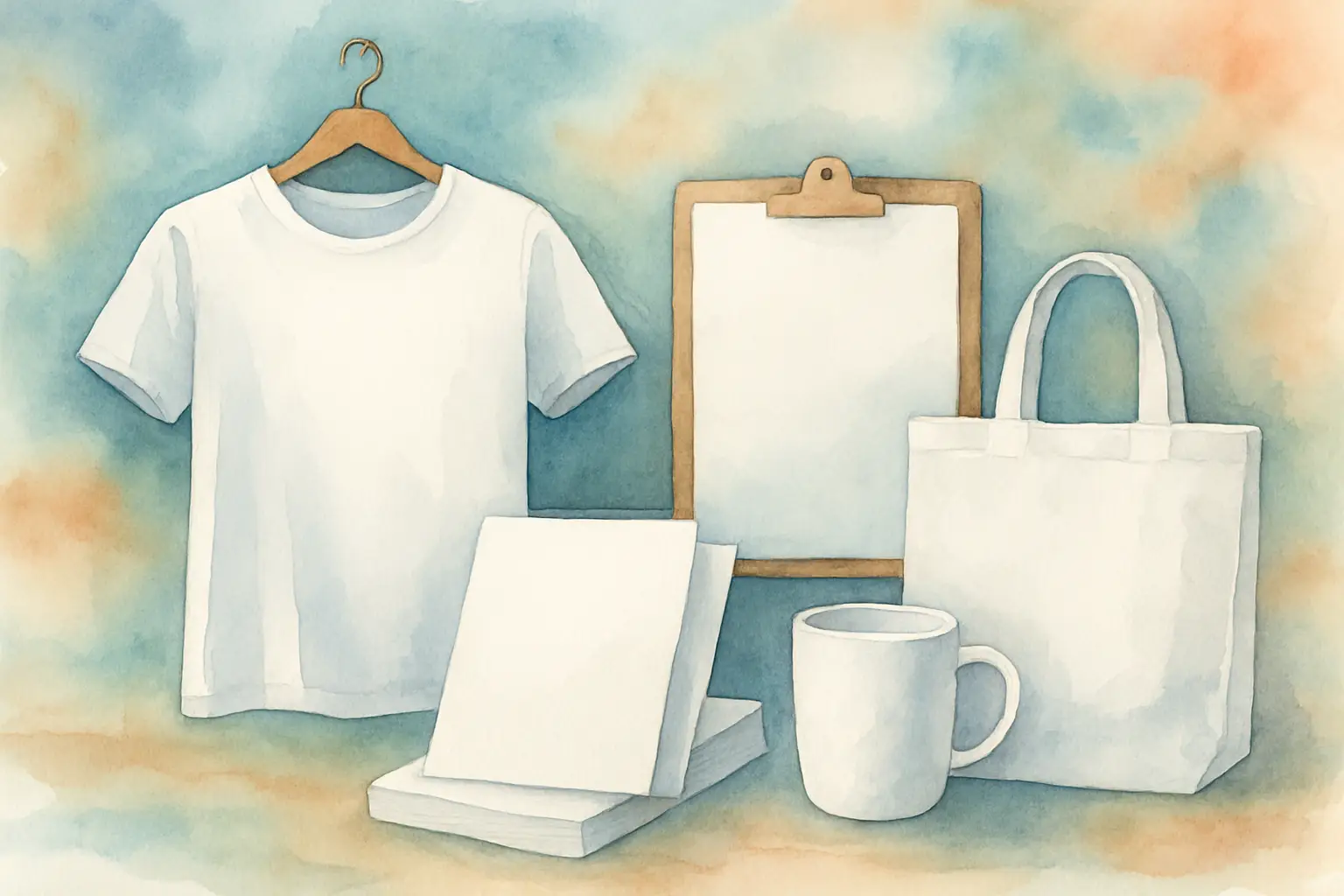
A mockup is a staged product image (often a photograph) designed to let you place your artwork onto a blank product. Instead of photographing your own sweatshirt, tumbler or notebook, you drop your design into the mockup file and it looks like a real product photo.
A bundle simply gives you a collection of mockups in a consistent style – usually with variations such as different colours, angles, backgrounds, or models. For busy makers and sellers, bundles are popular because you’re not hunting down one-off images every time you list something new.
The real value is not “more files”. It’s fewer decisions. When you’ve got a coordinated set of mockups ready to go, listing feels more like an assembly line and less like starting from scratch each time.
Why mockups matter more than most sellers think
Mockups aren’t just decoration. They’re part of your conversion process.
A good mockup does three jobs at once. First, it helps a buyer picture the item in their life (a mug on a desk, a tee on a person, a print in a cosy room). Second, it answers common questions silently: size, placement, scale and vibe. Third, it creates trust – because the listing looks like a real product, not a flat graphic floating on a white square.
There’s a trade-off, though. Highly styled mockups can sometimes distract from the design, especially if your artwork is detailed. On the other hand, very plain mockups can look a bit “template-y” if everyone in your niche uses the same ones. The sweet spot depends on what you sell and who you sell to.
Bundle vs single mockups: when each makes sense
If you’re selling one product type occasionally, a single mockup might be enough. But if you’re building a shop with repeatable categories (seasonal tees, teacher gifts, bookish designs, funny sayings) a bundle tends to win because you need volume and consistency.
Bundles are especially useful when you’re listing in batches. Instead of reinventing the wheel for each design, you keep the same angles and background style and simply swap the artwork. That consistency can make your shop look more established, even if you’re still in the side-hustle stage.
The one time I’d hesitate on a bundle is when it’s too broad. “500 mockups of everything” can feel like value, but if 80% don’t match what you sell, you’ve paid for clutter. For most creators, a smaller, well-matched set is more usable.
How to choose the right mockup bundle for your niche
The best bundle is the one you’ll actually use without fuss. Here’s what to look for, in real-world terms.
Match the product format you really sell
It sounds obvious, but it’s where people waste money. If your bestsellers are 20oz tumblers and 16oz glass cans, a bundle full of sweatshirts won’t help you list faster.
Think in your main categories: tees and hoodies, mugs, tumblers, tote bags, stickers, journals, prints. Then consider whether your designs need specific placements (left chest, full front, wraparound, centred).
Look for angles that reduce customer questions
A single front-on image can look nice, but it won’t always reduce uncertainty. For apparel, you’ll often want at least one close-up that shows print texture and placement. For mugs and tumblers, the wrap view matters – buyers want to understand how the design sits around the product.
If you sell personalised items, choose mockups with enough empty space to show names clearly. If you sell slogan designs, make sure the perspective doesn’t warp the text beyond readability.
Choose a style you can repeat for months
Trends shift, but your workflow needs stability. A cohesive bundle (similar lighting, backgrounds, and colour grading) makes your shop feel tidy and intentional.
Lifestyle mockups (hands holding a mug, a jumper on a model, a notebook on a desk) can boost warmth and relatability. Minimal mockups (clean background, simple shadows) can help your design be the star. If your artwork is bold and colourful, minimal often works beautifully. If your designs are more neutral or delicate, lifestyle scenes can add needed richness.
Check file type and editing simplicity
Some mockups are built for Photoshop with smart objects, and that can be brilliant if you’re comfortable there. Others are PNG overlays or Canva-friendly options.
The “best” format depends on your confidence and your available time. If you’ve got 30 minutes during nap time, you don’t want a mockup that requires six layers, masking, and manual shadows. Simple can be strategic.
Make sure it supports commercial use
If you’re using mockups for listings, social media, ads, and shop branding, you need the licence to allow that. Most bundles do, but the details matter.
Also consider whether you’ll use mockups across multiple platforms (Etsy, Shopify, website, Instagram). A clear licence gives you peace of mind – and keeps your business calm and compliant.
A practical workflow: from design to listing in under an hour
If you’re craving a calmer process, your mockup bundle can become your system. The goal is to reduce the number of choices you make for each product.
Start by picking three “hero” mockups per product type – for example, one main image, one alternative angle, and one lifestyle shot. Use those same three across an entire collection. Your shop instantly looks coordinated, and your listing creation becomes repeatable.
Next, create a simple folder structure on your computer: Product Type > Mockups > Finished Exports. Save your most-used mockups as working files and export images in your platform’s preferred size. When you launch a new design, you’re not searching, you’re just slotting it in.
Then batch your work. Do designs first, then mockups, then listing copy. Switching between tasks is where time disappears. Bundles help because you’re not hunting for “just one more photo” mid-listing.
Finally, keep one consistent thumbnail approach. On marketplaces, buyers scan quickly. If your first image always uses the same style (same background type, similar crop, consistent brightness), your products look like a brand, not a random collection.
Common pitfalls (and how to avoid them)
The biggest mistake is choosing mockups that look gorgeous but don’t match your buyer’s expectations. If your niche is cosy, bookish, and warm, stark studio mockups might feel cold. If your niche is modern and minimalist, busy backgrounds can look messy.
Another common issue is scale. Some mockups make designs look huge, which can lead to unhappy customers if the actual print is smaller. It’s worth aligning your mockup placement with typical print-on-demand production areas so your visuals are honest.
And please don’t underestimate consistency. Mixing ten different mockup styles across one shop can make your listings feel chaotic. You don’t need perfection, but you do want a recognisable “look”. A bundle helps you keep that without constant tweaking.
Where mockups fit into a broader “sell without overwhelm” setup
Mockups are just one part of the machine – but they affect everything downstream. They support faster launches, better social posts, clearer branding, and easier A/B testing.
If you’re also selling physical makes (like sublimated tumblers or mugs), mockups can help you validate designs before you print. You can list a concept, see what gets favourited, then prioritise what you actually produce. That’s a calmer way to test, especially when blanks and ink are not cheap.
If you sell digital products (like PNGs, wraps or clipart), mockups help your customers see what they’re buying. A tumbler wrap shown on a real-looking tumbler is far more persuasive than a flat rectangle, and it reduces “what do I do with this?” confusion.
And if you’re working with PLR-style assets, mockups let you package and present your offers in a polished way quickly, which matters when you’re building scalable income streams.
FAQs
Do I still need product samples if I use mockups?
It depends. Mockups are often enough to start listing and testing demand. But for bestsellers, ordering a sample can be worth it for quality checks and a few truly unique photos that set you apart.
Are lifestyle mockups better than plain ones?
Not always. Lifestyle mockups can feel warmer and more relatable, but plain mockups can convert better when your design is the main selling point. Many shops use a plain hero image and then lifestyle images further along in the carousel.
How many mockups do I need per listing?
Most sellers do well with 5-8 images, but you don’t need 8 different scenes. A consistent set that shows placement, scale, and a close-up is usually more useful than lots of random variety.
A good mockup bundle isn’t about having endless options. It’s about creating a repeatable rhythm – so when you sit down to work, you’re not negotiating with your own brain. You’re simply making, listing, and moving one calm step closer to the flexible income you’re building.